
Password managers have become one of the most important cybersecurity tools available to individuals and businesses. They make it practical to create a unique, complex password for every account without having to memorize hundreds of credentials.
But because a password manager stores so much sensitive information, it is reasonable to ask an important question:
Can password managers be hacked? The honest answer is yes. Any software, device, or online service can potentially be attacked. However, that does not mean using a password manager is more dangerous than managing passwords yourself.
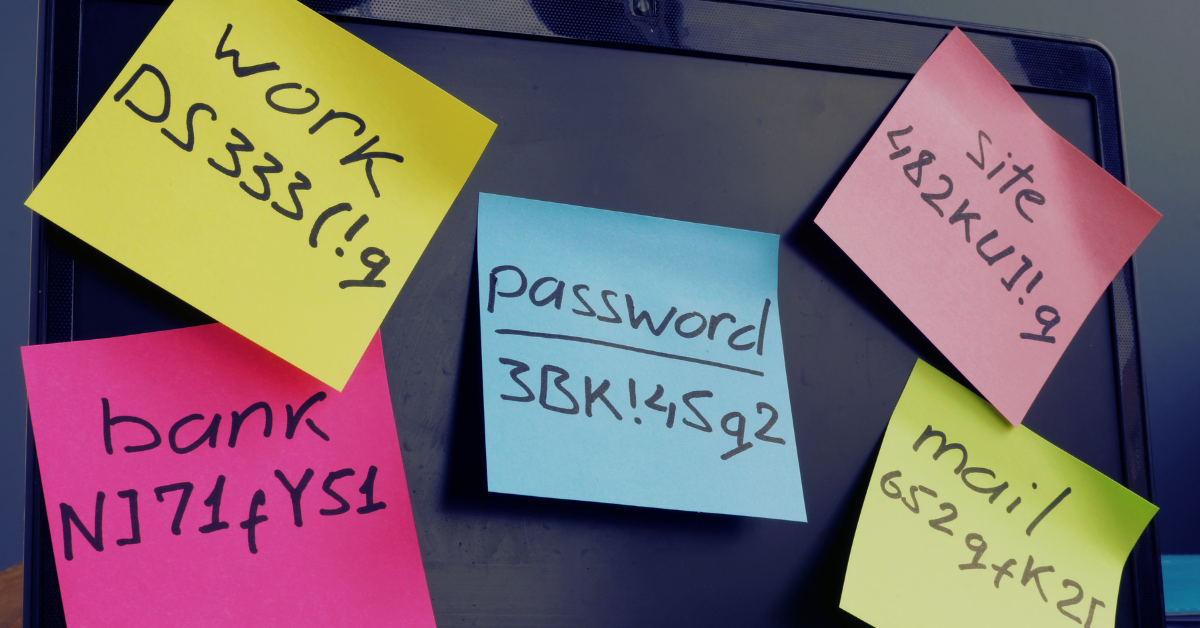
For most people and businesses, the opposite is true. A reputable password manager dramatically reduces the risks created by weak passwords, password reuse, spreadsheets, browser notes, sticky notes, and credentials shared through email or text messages.
How does a password manager protection your passwords? A properly designed password manager encrypts your vault before sending it to the provider’s servers. The provider should not possess the information needed to decrypt your stored passwords.
This approach is often described as zero-knowledge encryption. Your vault can be synchronized between devices, but its contents remain encrypted until you unlock it with your master password or another approved authentication method.
That does not make a password manager invincible. An attacker could still attempt to:
- Steal your master password through phishing, malware, or social engineering
- Access an already unlocked computer, phone, or browser session
- Exploit a vulnerability in the password manager’s application or browser extension
- Compromise the provider’s infrastructure and steal encrypted vault data
- Trick an employee into approving a fraudulent multifactor authentication request
The biggest practical risk is usually not someone breaking the encryption itself. It is an attacker stealing the user’s master password, compromising their device, or convincing them to approve access. Is it still safer to use a password manager?Yes, since people tend to reuse the same password across multiple websites or make minor variations that are easy for attackers to predict when they don’t use one. When one website is breached, criminals can test the stolen password against email, banking, Microsoft 365, social media, and other services.
A password manager allows every account to have a long, random, and completely unique password. If one website is compromised, the stolen password cannot be reused to access your other accounts. Password managers also makes it easier to identify reused passwords, detect known compromised credentials, securely share business accounts, and revoke access when an employee leaves.
The goal is not to eliminate every possible risk, there is no product that can promise that. The goal is to replace unsafe password habits with a system that is considerably harder to compromise.
So, what are our password manager recommendations? Valley Techlogic recommends Bitwarden, 1Password, and Proton Pass. We feel it’s notable that of August 2026, none of these providers has publicly reported a breach that exposed customers’ decrypted password vaults. All three use strong encryption and have undergone independent security reviews. The best choice depends on your budget, technical requirements, privacy preferences, and the people who will be using it.
1. Bitwarden
Bitwarden is an established open-source password manager with options for individuals, families, and businesses. Its source code can be inspected publicly, and the company conducts recurring third-party security audits, source-code assessments, and penetration testing.
Pros
- Open-source applications and server components provide a high degree of transparency
- Strong free plan and reasonably priced paid options
- Available on major browsers, computers, and mobile devices
- Supports business collections, secure credential sharing, and administrative controls
- Can be self-hosted by organizations with the expertise to maintain it securely
- Includes reports for weak, reused, and exposed passwords
Cons
- The interface is functional but may feel less polished than 1Password
- Some administrative and reporting features require a paid business plan
- Self-hosting adds significant maintenance and security responsibility
- New or less technical users may need additional training during deployment
Best for: Cost-conscious businesses, technical teams, open-source advocates, and organizations that want flexible deployment options.
2. 1Password
1Password is known for its polished interface and approachable user experience. In addition to your account password, it uses a locally generated Secret Key that strengthens the encryption of your vault. The company states that it has not experienced a breach of its password-management service. During the 2023 Okta support-system incident, 1Password detected suspicious activity involving its employee-facing Okta environment but reported that no user data or sensitive systems were compromised.
Pros
- Excellent interface that is easy for nontechnical users to understand
- Secret Key provides additional protection beyond the account password
- Strong family and business-sharing features
- Useful administrative controls for onboarding and offboarding employees
- Travel Mode can temporarily remove selected vaults from a device
- Watchtower identifies compromised websites, vulnerable passwords, and other security concerns
Cons
- No permanent free plan for general password-manager use
- Typically costs more than Bitwarden
- The complete product is not open source
- Users must protect both their account password and Emergency Kit containing the Secret Key
Best for: Businesses that prioritize ease of use, employee adoption, polished administration, and a low-friction user experience.
3. Proton Pass
Proton Pass is part of Proton’s privacy-focused ecosystem, which also includes Proton Mail, Proton VPN, Proton Calendar, and Proton Drive. Proton Pass is open source, uses end-to-end encryption, and has undergone independent security testing by Cure53. Its audit covered the mobile applications, browser extensions, and API.
Pros
- Open-source applications with publicly available security information
- Strong privacy focus and end-to-end encryption
- Clean, modern interface
- Integrates well with other Proton services
- Supports email aliases that can reduce spam and limit account tracking
- Competitive free and paid options
Cons
- Newer than Bitwarden and 1Password, with a shorter operational history
- Business-management features may not be as mature as more established competitors
- Organizations already standardized on another email or identity ecosystem may receive less benefit from Proton integration
- Some advanced features require a paid Proton subscription
Best for: Privacy-conscious individuals, Proton customers, small businesses, and users who value encrypted email aliases alongside password management.
You may be wondering which of these three you should choose for your business. For many businesses, 1Password offers the smoothest user experience and may require the least training. Bitwarden is an excellent choice for businesses that want strong security, open-source transparency, and competitive pricing. Proton Pass is particularly attractive for privacy-focused users and organizations that already use, or plan to use, other Proton services.
The most important factor is not choosing the theoretically perfect password manager. It is selecting a reputable product that your team will actually use consistently.
So how can you use a password manager safely? A password manager should be part of a broader account-security strategy. Simply installing one is not enough. Use a long and unique master password that has never been used anywhere else. A memorable passphrase made from several unrelated words is generally easier to remember and more difficult to guess than a short, complicated password.
Enable multifactor authentication on the password-manager account. Whenever possible, use a passkey, hardware security key, or authenticator application instead of SMS. Keep computers, phones, browsers, and password-manager applications updated. Avoid installing unnecessary browser extensions, and use reputable endpoint-security software to reduce the risk of credential-stealing malware.
Businesses should also establish procedures for securely sharing credentials, removing former employees, reviewing administrative access, and recovering accounts when an authorized user loses access. Password managers can be attacked, just like email providers, banks, cloud platforms, and other online services. That is not a good reason to avoid them.
A reputable password manager stores your credentials in an encrypted vault and makes it possible to use a different random password for every account. This protects you from one of the most common causes of account compromise: reused credentials.
Bitwarden, 1Password, and Proton Pass are all strong options with different advantages. None can guarantee that an attack will never occur, but each offers a substantially safer approach than reused passwords, shared spreadsheets, browser notes, or credentials passed between employees through email.
Valley Techlogic can help your organization select, configure, and deploy a password manager that fits your staff, security requirements, and budget. We can also help establish secure onboarding, offboarding, multifactor authentication, and credential-sharing procedures so the password manager becomes part of a complete security program rather than another unused application. Learn more today with a consultation.

- How much does it cost to wire a small office? We break it down
- The Pentagon announced an ‘immediate suspension’ of CMMC phase II requirements, what this means and how to proceed
- We all know MFA is important, but many users are expressing symptoms of “MFA fatigue”
- Rolling out Microsoft 365 Copilot in your office environment? Here are 8 permissions to pay attention to keep your data safe
- Are you keeping track of breaches that are happening with your vendors? What small businesses can learn from the Klue/Salesforce breach
This article was powered by Valley Techlogic, leading provider of trouble free IT services for businesses in California including Merced, Fresno, Stockton & More. You can find more information at https://www.valleytechlogic.com/ or on Facebook at https://www.facebook.com/valleytechlogic/ . Follow us on X at https://x.com/valleytechlogic